
Making study notes can take a bunch of time, especially when you’re dealing with long PDFs, textbooks, lecture slides, or those research documents. You might sit there for hours reading and then rewriting stuff, before you even start the revising part, y’know.
That’s where AI tools for making study notes 📝 can come in handy. In 2026, AI can help you summarize a ton of material, arrange the key points in a clearer way, break down tough ideas, build flashcards, and draft practice questions for you.
Still, because there are so many AI tools around, picking the right one can get confusing fast. Some tools work better with PDFs, some are more aimed at research tasks, and others lean heavily toward note organization or exam preparation.
In this guide, we’ll look at the best AI tools for making study notes in 2026 📖, what each one is best for, and how you can use AI so your studying feels quicker and more useful overall.
Quick Comparison: Best AI Tools for Study Notes📚

| AI Tool | Best For |
|---|---|
| ChatGPT | Creating notes, explanations, quizzes and study guides ✔️ |
| Gemini Notebook | Studying from your own sources and research materials ✔️ |
| Notion AI | Creating and organizing notes inside Notion ✔️ |
| Google Gemini | Summaries, explanations and general study help ✔️ |
| Microsoft Copilot | Working with documents and Microsoft tools ✔️ |
| Perplexity | Researching topics with web-based sources ✔️ |
The best AI tools for making study notes depend on your study style and the type of material you work with.
Let’s See Best AI Tools for Study Notes📚
ChatGPT — Best Overall AI Tool for Study Notes.
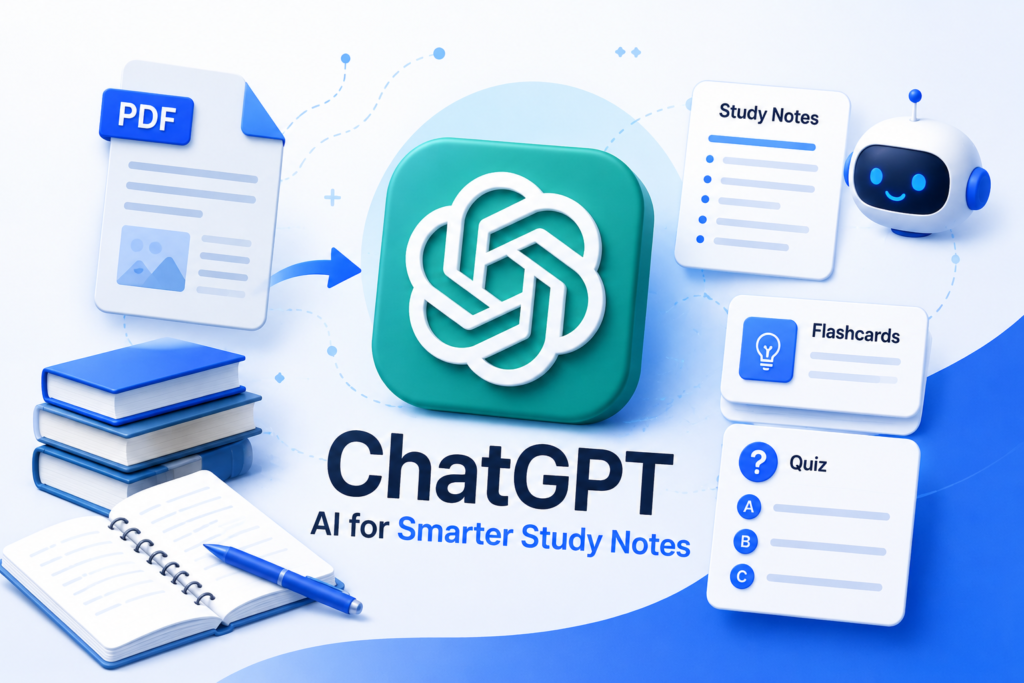
ChatGPT is one of the most flexible AI tools for making study notes, especially when you want to summarize documents, explain concepts, and create revision material.
You can give it a topic, and if file uploads are available you can also attach your study materials, then ask it to rearrange everything in a way that is easier to revise later.
And honestly, ChatGPT’s current Study Mode is especially helpful for learning. It can walk you through ideas, ask a few questions along the way, verify that you actually understood it, and even make practice questions or a flashcard-style review.
What can you use ChatGPT for?
You can ask ChatGPT 👇
- Create chapter summariesTurn
- Text into study notes
- Explain difficult concepts
- Create flashcards
- Generate practice questions
- Create quizzes
- Simplify technical topics
- Create revision guides
- Explain mistakes
- Organize information using headings and bullet points
Example Prompt 👇
“Turn these study materials into concise revision notes. Use clear headings, important definitions, examples, and key points. Don’t leave out important concepts.”
Gemini Notebook — Best for Studying Your Own Sources.
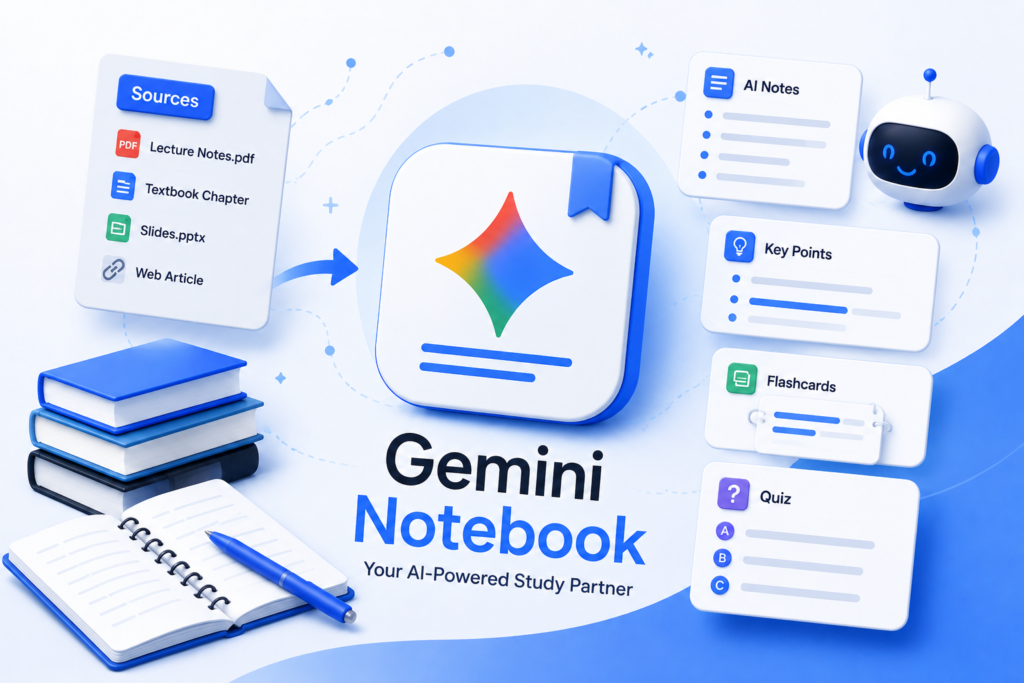
Google’s Notebook LM was renamed to Gemini Notebook in July 2026. It keeps going as its own standalone research and learning tool, but with a bit deeper integration into Google’s whole ecosystem.
Gemini Notebook is pretty handy when you already have your study materials, and you want an AI assistant to sort of work around those sources, rather than starting from nothing.
You can bring your own materials as the main foundation for your study session too.
Also Google kept pushing forward its research abilities, including source-based work and even generated study materials.
What can you use Gemini Notebook for?
You can use these features 👇
- Understand study materials
- Ask questions about your sources
- Summarize information
- Organize research
- Create study resources
- Explore connections between sources
- Generate different formats from your research
Notion AI — Best for Organizing Study Notes.
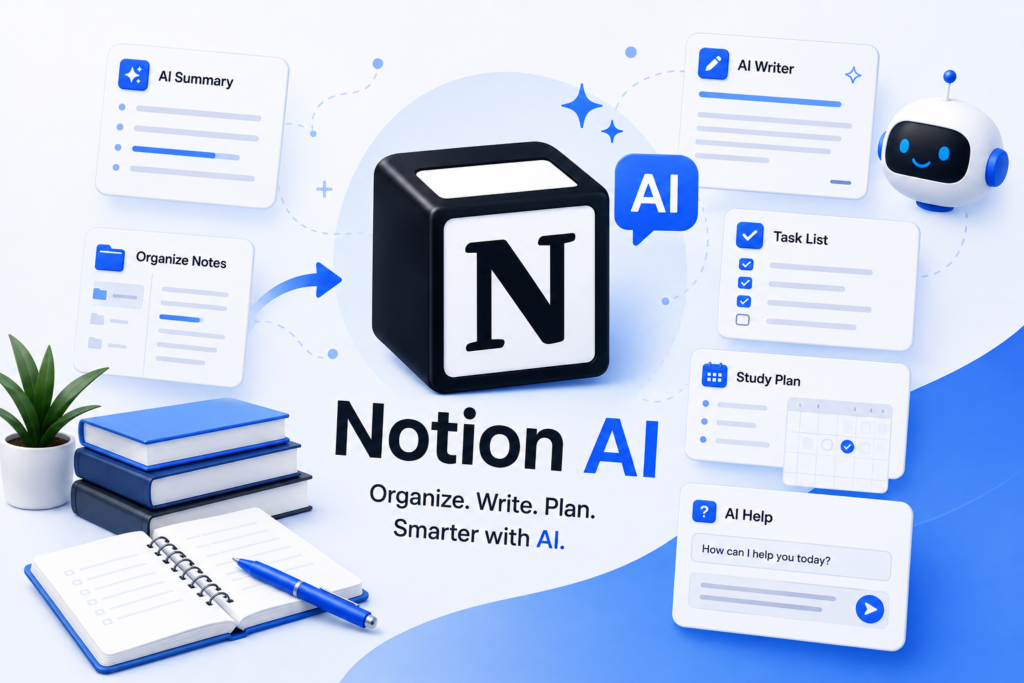
For students who prefer organized digital workspaces, Notion AI can be one of the most useful AI tools for making study notes.
And with the AI bits added in , students can merge note-taking and an assistant type help into one single workspace, so it all kinda lives in the same place.
For example, you can create a page for a subject and organize👇
- Lecture notes
- Important definitions
- Assignments
- Revision material
- Questions
- Study plans
Google Gemini — Best for General Study Help.
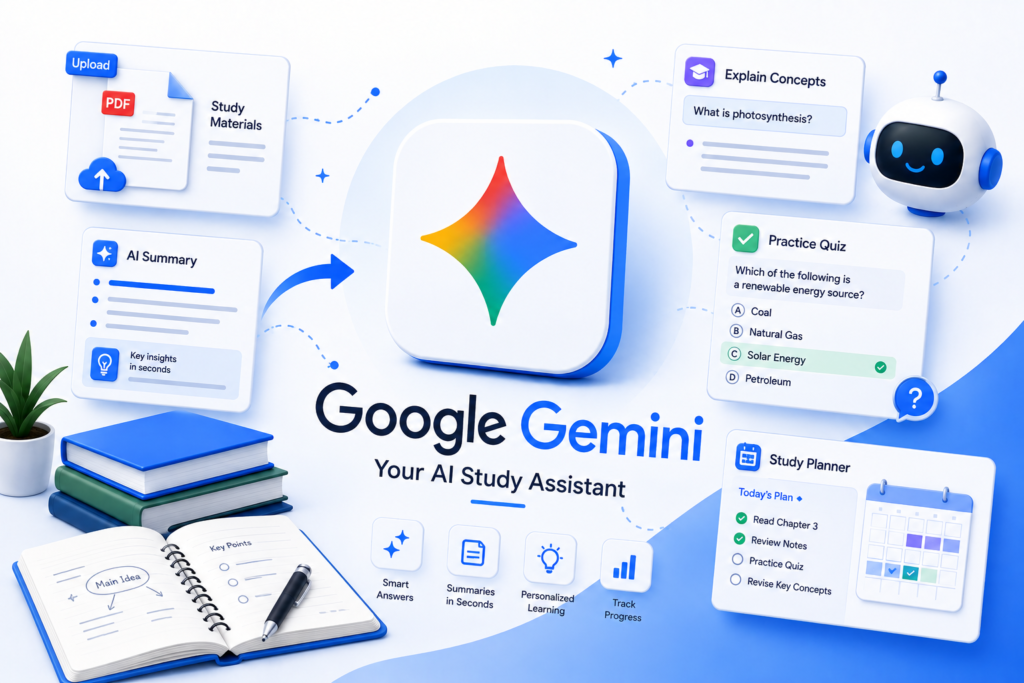
Gemini AI can also be useful among AI tools for making study notes, particularly when you want help understanding and organizing study material.
You can ask Gemini to break down a hard concept, summarize what you read, craft questions, or kind of help you organize a study plan, in a way that feels more steady.
Google also has education focused AI features now, built to support personalized learning and study workflows, so the whole thing follows what you actually need.
Example prompt 👇
“Explain this topic in simple English, then create 10 important questions that I can use for revision.”
Microsoft Copilot — Best for Microsoft Users.
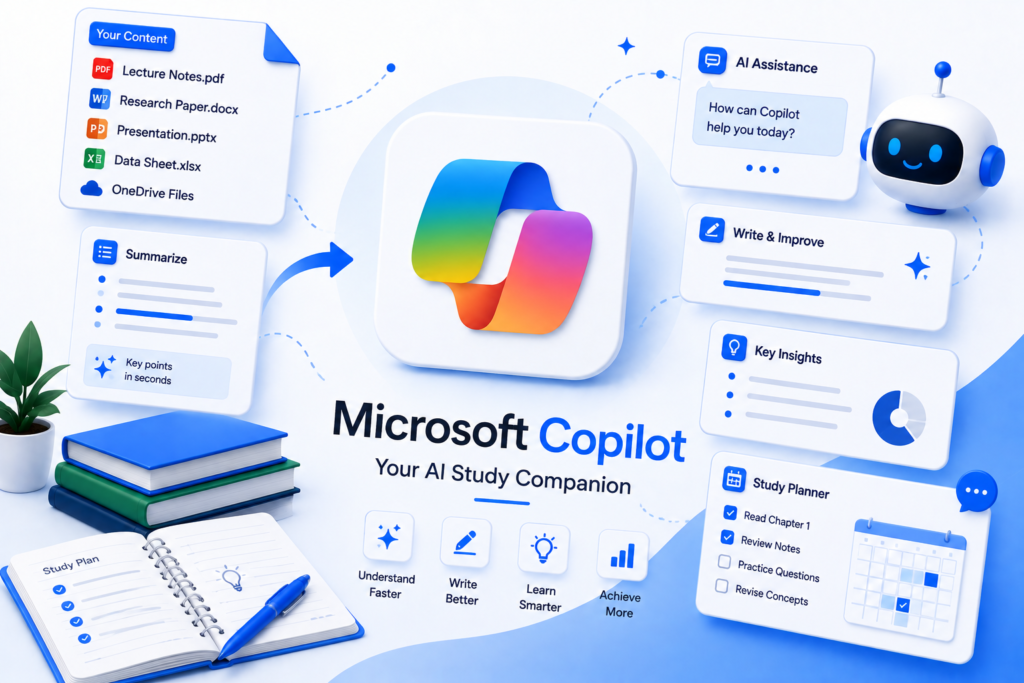
If you already use Microsoft stuff for studying, Copilot can be handy for dealing with information inside the Microsoft ecosystem, not just “as is,” but in a smoother way.
It can support tasks like summarizing, rewriting, arranging, and handling documents, though it really depends on which Microsoft apps you have, and also on the plan that is available to you.
Best for 👇
Students who already use Microsoft 365 and want AI assistance alongside their existing workflow.
Perplexity — Best for Research-Based Notes.
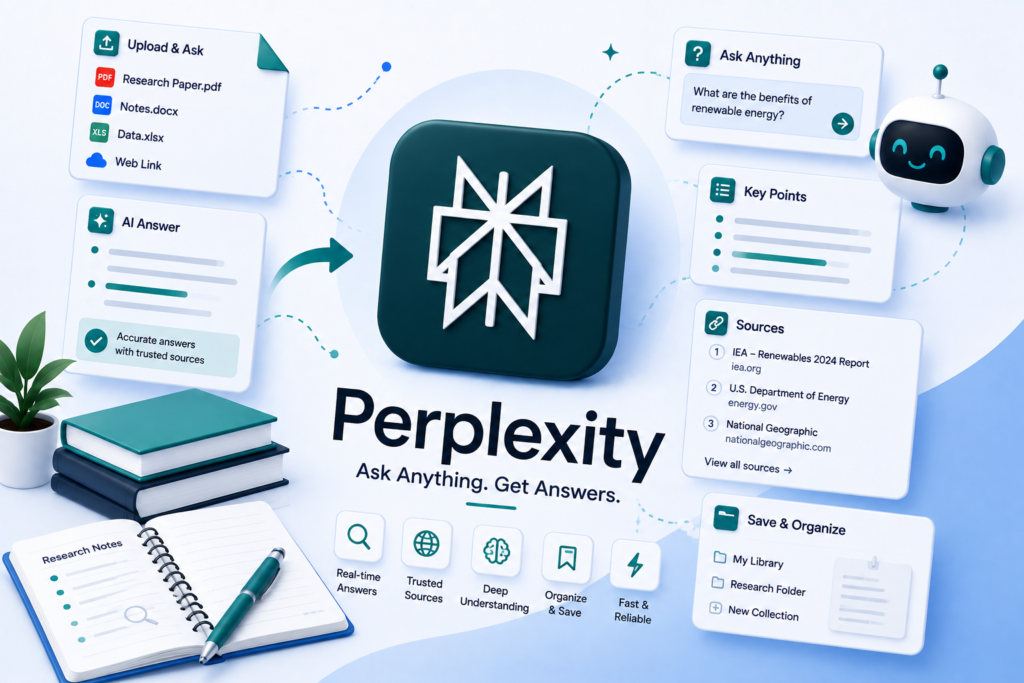
Perplexity is a bit different from a traditional note-taking AI.
Its real strength is, researching specific questions and then pulling relevant information from the web, like a smart assistant that looks things up while you think.
That can really help when you’re setting up notes on a topic, because you want to go past only your textbook, or whatever you got in the classroom, and add a bit more context.
For Example 👇
“Explain the history of artificial intelligence and provide reliable sources.”
Which AI Tool Is Best for Making Study Notes?
Your best choice depends on how you study.
Best AI tools for making study notes👇
Choose ChatGPT if:
- You want flexible study assistance
- You want explanations and summaries
- You want quizzes and practice questions
- You want to turn information into structured notes
- You want help understanding difficult concepts
Choose Gemini Notebook if:
- You have lots of source material
- You study from PDFs and documents
- You want source-focused research
- You want to organize information around your materials
Choose Notion AI if:
- You already use Notion
- You want organized digital notes
- You want notes and study planning together
Choose Gemini if:
- You use Google’s ecosystem
- You want general study assistance
- You want explanations and summaries
Choose Perplexity if:
- You’re researching a topic
- You need web-based information
- You want to explore sources before creating notes
How to Use AI to Make Better Study Notes📖

Simply asking an AI tool to “make notes” isn’t always the best approach.
Instead, give it a clear structure.
For example: 👇
“Create study notes from this material. Use H2-style headings, short explanations, important definitions, examples, key points, and five revision questions at the end of each section.”
This gives the AI a pretty particular structure to follow, like a little roadmap.
Step 1: Give the AI your study material.
Start with your textbook section, lecture notes, a PDF, or really any other stuff you’re using to study.
Step 2: Ask for a summary
Tell the AI to point out what matters most, t he key concepts, maybe.
Step 3: Turn the summary into notes
Have it arrange the information with headings and bullet points, too. Try to keep it neat, but not robotic.
Step 4: Add examples
When something feels difficult, ask for an easy, real-world example so it clicks, rather than just memorizing lines.
Step 5: Test yourself
Ask the AI to make practice questions, but don’t show the answers right away. see if you can do them first, then check.
The best AI tools for making study notes can save time, but the quality of your results depends heavily on how you use them.
Use AI With Your PDFs📋
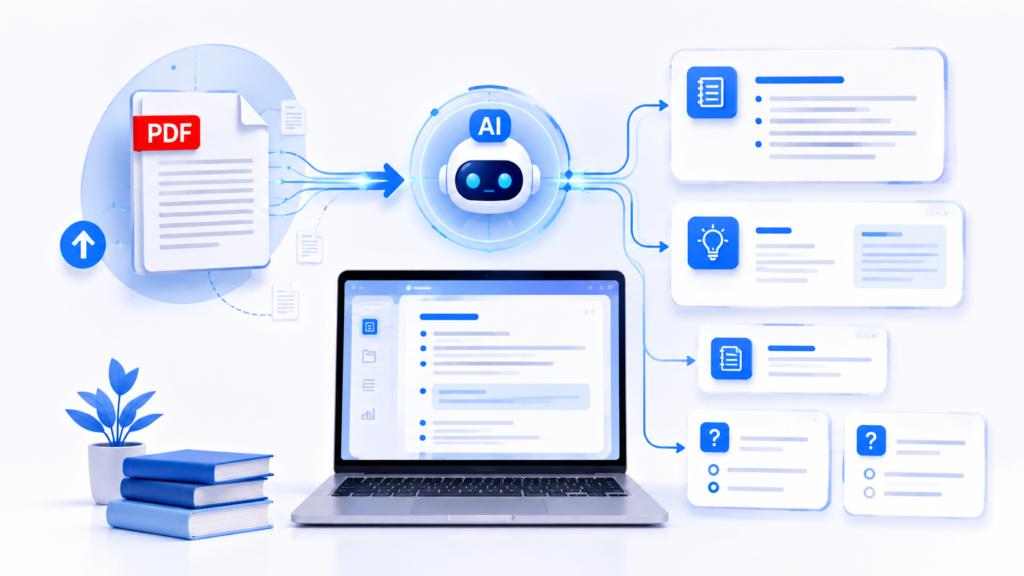
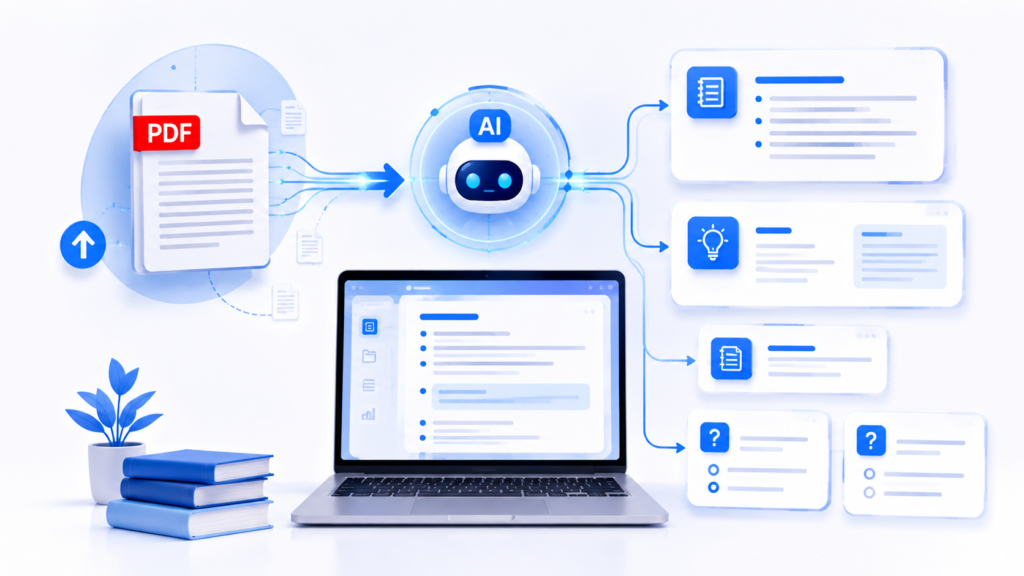
If most of your study material is stored in PDFs, AI can be especially useful.
You can upload a PDF when the feature is available and then ask questions about the material, as if you’re reviewing it again but faster.
For example: 👇
“Create concise study notes from this PDF. Focus on definitions, important concepts, examples, and topics that are likely to be useful for revision.”
If you want to learn more about working with PDFs, read our guide:
[How to Summarize a PDF With ChatGPT]
You can then take the next step and learn how to summarize a long document:😊
Example Prompts for Making Study Notes📖
The most effective way to use AI tools for making study notes is to combine AI-generated summaries with active revision and self-testing.
Here are some prompts students can copy.
Prompt 1: Simple Study Notes👇
“Turn this material into simple study notes. Use headings, bullet points, definitions, and examples. Keep the language easy to understand.”
Prompt 2: Exam Preparation👇
“Create exam-focused notes from this material. Highlight important definitions, concepts, formulas, and possible questions.”
Prompt 3: Revision Notes👇
“Convert this chapter into short revision notes that I can review in 10 minutes.”
Prompt 4: Flashcards👇
“Create 25 flashcards from this material. Put the question first and the answer separately.”
Prompt 5: Self-Test👇
“Quiz me on this topic one question at a time. Don’t show me the answer until I respond.”
Pros and Cons of Using AI for Study Notes📚

Pros
- Saves time
- Makes long material easier to review
- Can simplify difficult concepts
- Creates practice questions quickly
- Helps organize information
- Supports personalized learning
Cons
- AI can make mistakes
- Important information may be omitted
- Students may become overly dependent on AI
- Some schools and colleges have rules about AI use
- AI-generated notes still need verification
Before choosing between different AI tools for making study notes, think about the type of material you study and the kind of revision help you need.
Frequently Asked Questions?
1. What is the best free AI tool for making study notes?
The answer depends on the features and limits available on each service at the time you use it. ChatGPT, Gemini, and Gemini Notebook can all be useful options, but their free features may change.
2. Can AI make notes from a PDF?
Yes. AI tools that support document uploads can help summarise and organise information from PDFs. The exact capabilities depend on the tool and the file.
3. Can ChatGPT make study notes?
Yes. You can ask ChatGPT to turn study material into summaries, structured notes, flashcards, quizzes, and revision guides. Its Study Mode can also help you learn through questions and step-by-step guidance.
4. Is Gemini Notebook good for students?
Yes. Gemini Notebook is designed around research and learning from source material, making it useful for students working with documents and other study resources.
5. Should students use AI to make notes?
Yes, when used responsibly. AI can save time and help students understand material, but students should verify important information and follow their school’s or instructor’s AI-use policies.
Conclusion🎯

The best AI tools for making study notes in 2026 can make studying faster, more organized, and kinda more interactive too. Like, if you’re trying to summarize a long document, get a grip on a tricky subject, sort your notes in a clean way, build flashcards, or even gear up for an exam, there is usually an AI tool that matches how you like to learn.
Still, don’t let AI do all the learning for you. Make sure you review the important bits, compare the AI-generated notes with your own original study material, and treat AI like a study assistant not as a full replacement for your own understanding. Because honestly, thinking is still you, right ?
If you often study from long PDFs, a solid place to start is our beginner guide [How to Summarize a PDF With ChatGPT: Easy Beginner Guide 2026]. You can first turn that huge PDF into a clear outline or summary, and then use the AI tools mentioned in this article to make organized notes, flashcards, and even practice questions.
👉 Read the complete guide: [https://techwitharif.com/how-to-summarize-a-pdf-with-chatgpt/How to Summarize a PDF With ChatGPT: Easy Beginner Guide 2026]
With a good workflow, AI can help you spend less time messing around with organization and way more time actually understanding and remembering what you study. 🚀
1 thought on “Best AI Tools for Making Study Notes in 2026”