

Summarize YouTube videos with AI and turn long videos into short, easy-to-understand notes, key points, and takeaways. Instead of watching an entire video again, AI tools can help you quickly understand the most important information.
Have you ever watched YouTube videos that are 30 minutes or an hour long, but you are looking for some information? In this case, it becomes very difficult to watch these 30-minute or one-hour-long videos, doesn’t it?
In such a situation, you should take the help of AI. This AI makes your work very easy; you can search for ” How to summarize YouTube videos with AI: Easy Methods. This can help you research big topics and support many aspects of your studies or research.
As we will see some easy tips in this article which will help you, how to summarize YouTube videos with AI, this will make your work very easy and I hope after reading the entire article you will understand Everything about how to summarize YouTube Videos with AI, so let us start.
What Is an AI YouTube Video Summary?
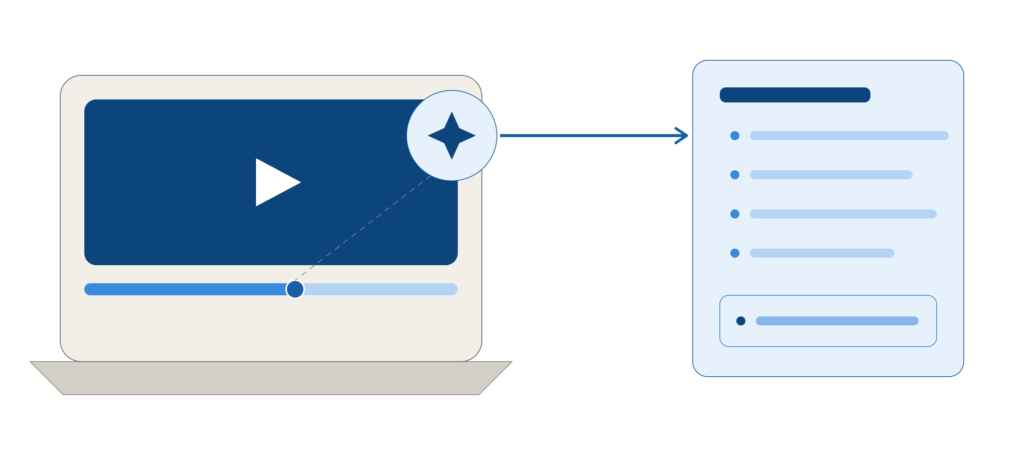
This YouTube video summary is a short version of the video, which has been created using Artificial Intelligence tools because it is very difficult to watch and understand a 30 minute or 1 hour video, so to make your work easier, these people have created it using Artificial Intelligence tools.
Instead of watching the entire video, it is better to make a transcript of some parts of the video or you can take the help of AI tools. It will identify your problem and highlight the important points and will give you a short version of the video in such a way that you will understand what is there by saying it at the end.
For example, a 45-minute education video can be shorter, such as:
- A short overview
- 5–10 key points
- Important examples
- Main conclusions
- Actionable steps
How to Summarize YouTube Videos With AI
There are several simple ways to summarize YouTube videos with AI, depending on the tool you use and the type of video you’re watching.
Method 1: Copy the YouTube Transcript Into ChatGPT
A simple approach is to extract the transcript from the YouTube video and give it to ChatGPT
Step 1: Open the YouTube Video
First of all, open the YouTube video which you want to summarize.
And check the points below in the description. You will have to check them.
Step 2: Find the Transcript
If the transcript is available in the video, then open the transcript option.
YouTube can also show you spoken words in place of text from videos.
Step 3: Copy the Transcript
Copy the transcript of the entire video. This transcript can be very long. You can send it to your AI. Multiple options are available for this.
Step 4: Ask ChatGPT to Summarize It
Next, you should paste your entire transcript in ChatGPT and after pasting, you should simply give a clear prompt to ChatGPT like
prompt:
“explain this transcript video to me in an easy and simple way and I will make headings and bullet points as well, explain to me what is important in it.”
you will have to give a clear prompt like this to ChatGPT it will make your work very easy.
Method 2: Use an AI Tool Designed for YouTube Summaries
One of the easiest ways to summarize YouTube videos with AI is.
The second method is to use AI Services. These AI Services are designed specifically for working with online video.
Depending on the service, an AI YouTube summarizer may provide:
Key points
- Short summaries
- Chapter summaries
- Important timestamps
- Questions and answers
- Notes
- Transcripts
Method 3: Use Google Gemini
Google Gemini can also be useful for summarizing information from videos when the specific video and available features are supported. One of the easiest ways to summarize YouTube videos with AI is…
For Example:
Give me a simple summary of this video. Explain the main topic first, then list the five most important things I should remember.
How to Get Better YouTube Summaries
There are several simple ways to summarize YouTube videos with AI, depending on the tool you use and the type of video you’re watching
For example, instead of:
Summarize this video.
Try:
Summarize this video in 10 bullet points. Focus only on the most important information. Use simple English and include examples mentioned by the speaker.
Best AI Prompts for YouTube Video Summaries
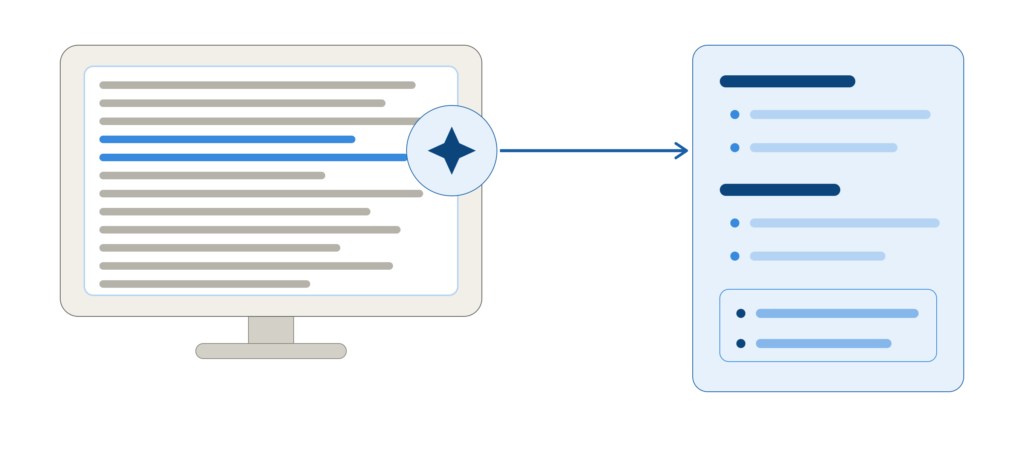
There are several simple ways to summarize YouTube videos with AI, depending on the tool you use and the type of video you’re watching
Here are some useful prompts you can try.
1. Simple Summary Prompt
Summarize this YouTube video in simple English. Explain the main topic and list the most important points.
2. Student Notes Prompt
Turn this YouTube transcript into study notes. Use clear headings, bullet points, definitions, important examples, and a short revision section at the end.
3. Short Summary Prompt
Give me a short summary of this transcript in 150 words. Include only the most important information.
4. Detailed Summary Prompt
Create a detailed summary of this YouTube transcript. Organize the information using headings and bullet points. Include important examples, explanations, and the final conclusion.
5. Question-and-Answer Prompt
Read this transcript and create 10 important questions and answers based only on the information provided.
6. Exam Revision Prompt
Turn this YouTube transcript into exam revision notes. Highlight important concepts, definitions, examples, and facts that I should remember.
YouTube Summary vs Watching the Full Video
| AI Summary | Full Video |
| Much faster to review | Takes more time |
| Easy to scan | Provides complete context |
| Good for revision | Better for demonstrations |
| Useful for finding key ideas | Includes visuals and explanations |
| May miss important details | Gives the original presentation |
Pros and Cons of Using AI for YouTube Summaries
There are several simple ways to summarize YouTube videos with AI, depending on the tool you use and the type of video you’re watching
Pros
- Saves time
- Makes long videos easier to review
- Helps create study notes
- Quickly identifies important points
- Can organize information into headings
- Useful for revision
Cons
- AI can misunderstand information
- Important context may be missing
- Some videos may not have usable transcripts
- Results depend on the quality of the transcript
- Some third-party tools may have usage or privacy limitations
Frequently Asked Questions
Can ChatGPT summarize a YouTube video?
ChatGPT can summarize YouTube video content when you provide accessible text such as a transcript, or when the version of ChatGPT you are using supports the relevant video/content workflow.
What is the easiest way to summarize a YouTube video?
Getting the video’s transcript and asking an AI tool to summarize it is one of the simplest methods.
Can AI summarize a one-hour YouTube video?
Yes, if the AI tool has access to enough of the video’s content or transcript. For very long transcripts, splitting the content into smaller sections can produce better results.
Can AI turn YouTube videos into notes?
Yes. You can ask an AI tool to transform a transcript into bullet points, study notes, definitions, questions, or a structured outline.
Are AI YouTube summaries accurate?
They can be useful, but they are not guaranteed to be completely accurate. Always verify important information against the original video or another reliable source.
There are several simple ways to summarize YouTube videos with AI, depending on the tool you use and the type of video you’re watching
Conclusion
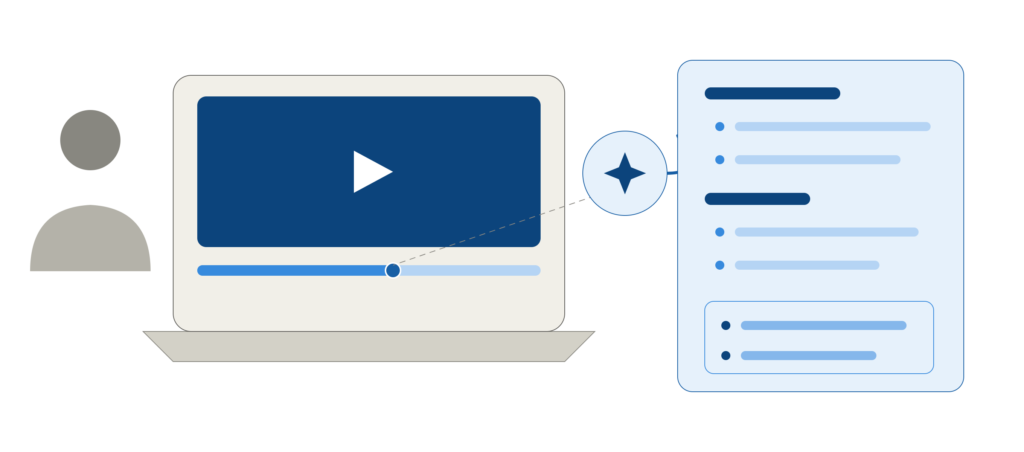
Learning how to summarize YouTube videos with AI can save time and make long videos much easier to understand. Whether you’re studying a lecture, watching a tutorial, or researching a topic, AI can help you quickly find the key points.
If you also work with documents, check out our guide on How to Summarize a PDF With ChatGPT. And if you’re a student looking for better ways to organize your study material, explore Best AI Tools for Making Study Notes in 2026.
With the right AI tools, learning and researching can become faster, simpler, and more productive.